The social feature block allows you to showcase a social media post, including the image and a link. It will be centered in the middle of the page unless put into a column block.
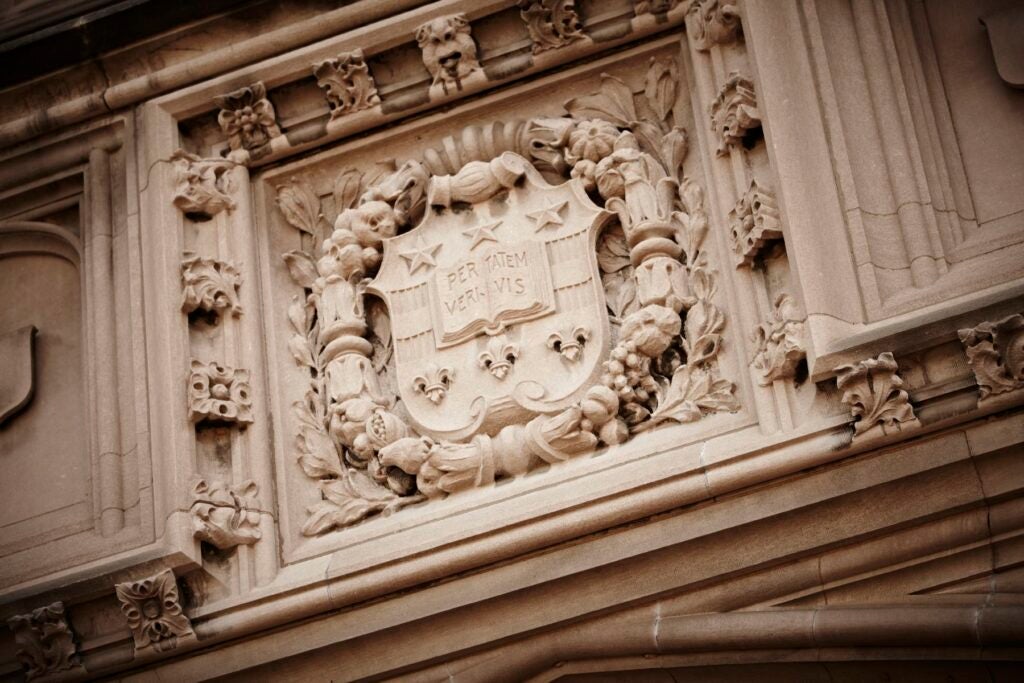
#WashU22
Here’s some language from our social post which I’ve copied here. #graduation
How to use this block
- Add the block to the place on the page where you want it to be featured.
- Add an image, header, and description to the block.
- If you’d like a call to action link at the bottom of the square, add the link text and url in the right-hand menu with the block selected.
- You can also change the background color of the box in the right-hand menu.
Note: The image will force a square crop if it’s too long, focusing on the top center.