
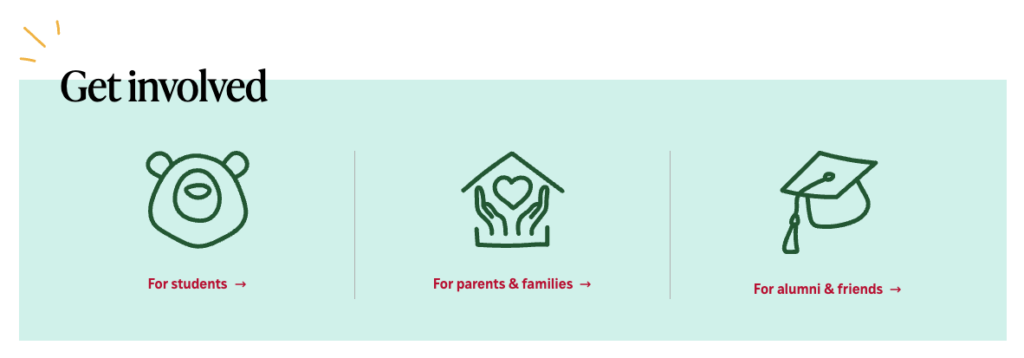
The Quick links block is unique to Students. It uses animated icons on the home page of the division and on department home and landing pages to call attention to content that users ask for a lot.
The block can have 1-4 links but we recommend that edits to the established quick links section be limited to changing out content rather than layout.
How to update the components of the Quick links block
The following components of the block can be updated, if needed:
- Title: required. In the above example, it says Get Involved.
- Type any edits directly in the title area
- Icon: required
- Click anywhere on the block
- In the right sidebar, select an icon from the drop down in the field corresponding to the icon you wish to change. A selection of icons have been already been created for each site. If a new icon needs to be created, please contact University MarComm.
- Link text: required
- Type any edits directly in the link text area
- Link url: required
- In the right sidebar, click on the area “icon url” corresponding to the icon you wish to change
- Description: optional
- Type any edits directly in the description text area