At launch, descriptions appear for each department on the main Students site and for the offices within CDI.
How to edit department descriptions
- After logging in, navigate to the dashboard of the main Students site.
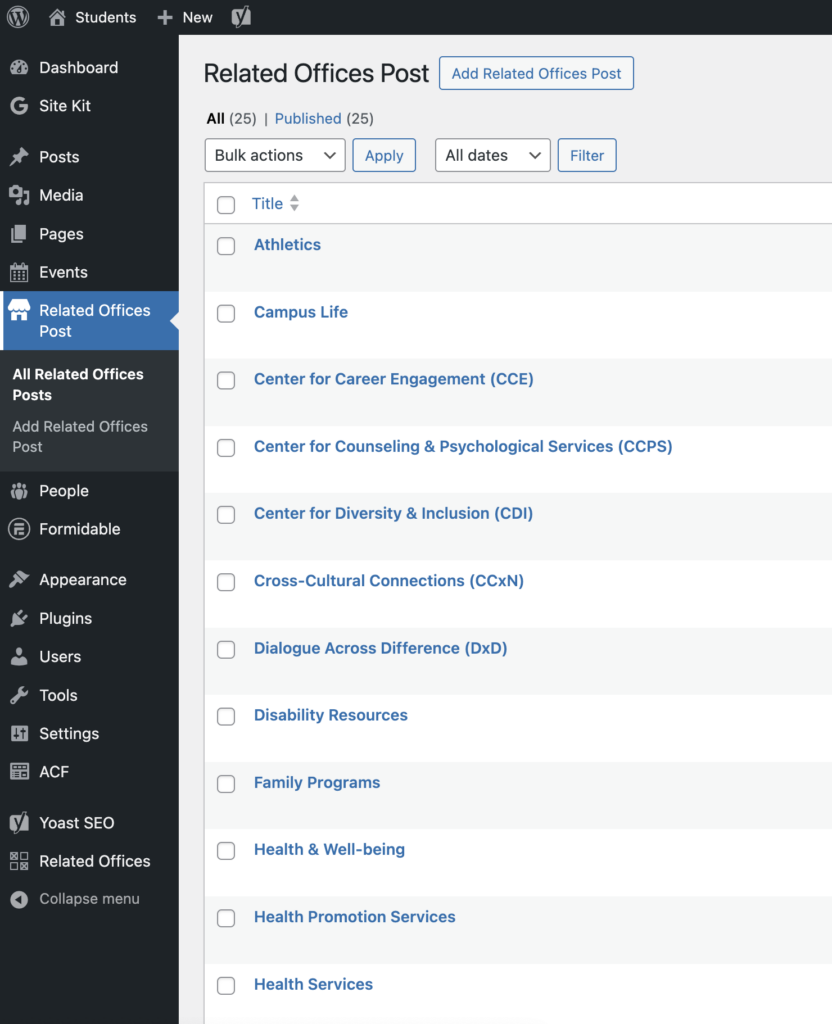
- In the left sidebar of the dashboard, click the tab labeled Related Offices Post.
- In the list that appears, hover over the department that needs to be updated and click Edit.
- In the editor, make the edits in the Description field.
- On the right sidebar of the Post Editor, click Update.