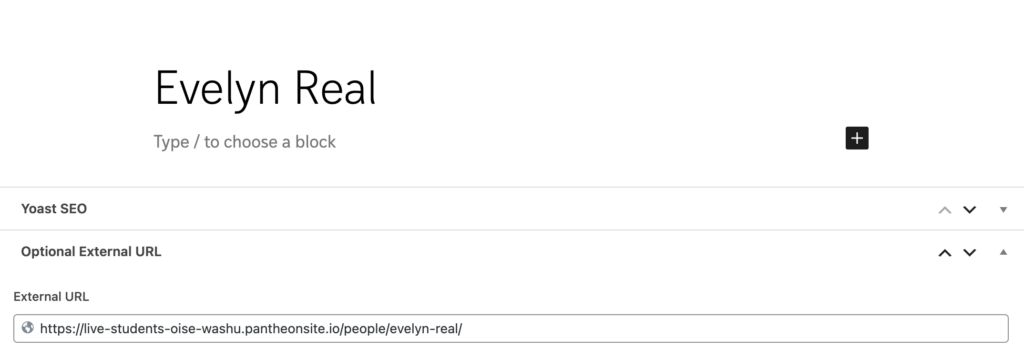
There will be instances when you will need to add someone who already appears on another SA site. We want to avoid duplicate records for the same person.
In the event any changes are made to that person’s details in the future, it will be harder to catch all the instances where those changes have to be made.
- Go to the existing person’s detail page and copy the url from your browser window
- From the Admin Bar of your site, select new and then Person from the drop down menu
- Type in the person’s name in the Title field
- In the External Link field, paste the url you copied in Step 1
- Click Save in the top right corner of the Person Editor
Example
Evelyn Real appears on the CDI contact page. She also appears on the OISE contact page. Both those People blocks actually link to the same person detail page.
Evelyn’s record on the CDI contact page uses the optional External Link field.